How to Install Smart Home Automation Safely: Electrician Tips
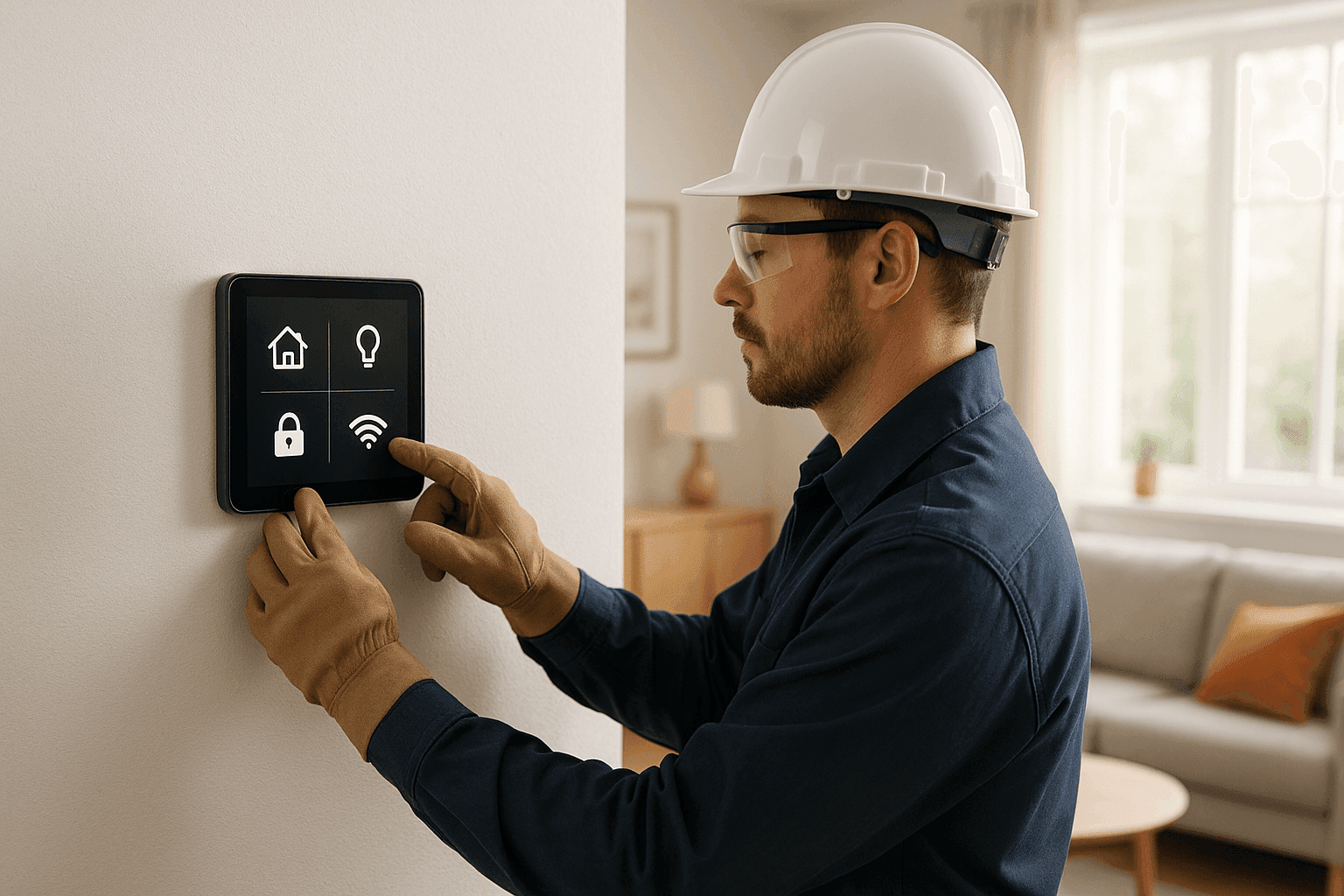
Smart homes bring comfort, convenience, and even a dash of futuristic fun. But they also come with new electrical risks that homeowners can’t afford to ignore. Whether you’re eyeing a new smart thermostat or dreaming of full-home automation, your safety—and your home’s—should always come first.
At Heintz Electric, we’ve seen what happens when good intentions meet tangled wires. Let’s break down what you need to know to install smart home upgrades the right way.
The Smart Home Revolution: What’s Involved?
Smart home automation isn’t just about gadgets. It’s about weaving technology into your daily life—lighting that adjusts by mood, thermostats that learn your patterns, cameras for peace of mind, and appliances that listen to your voice.
Here’s what most homeowners start with:
- Lighting upgrades: Smart switches, dimmers, and color-changing bulbs.
- Thermostats: Programmable, app-controlled temperature mastery.
- Security systems: Cameras, sensors, smart locks, and alarms.
- Appliance controls: Outlets, plugs, and even full kitchen or laundry setups.
But behind every device is a web of wiring and circuits that needs careful planning and safe installation.
Safety Basics: Circuits, Load & Compatibility
Think of your home’s electrical system as a series of rivers and streams. Each device you add is like tossing in another boat. If the river gets crowded, things can go wrong.
- Circuits: Know what’s already running on each one. Overloading is a common cause of tripped breakers—or worse, fire.
- Load calculations: Don’t guess. Use manufacturer specs and check with the National Electrical Code (NEC) guidelines.
- Interoperability: Not all devices play nice together. Make sure your new smart gadgets are compatible with existing wiring and hubs.
Always shut off power at the breaker before starting any work. Never assume a wire is dead—test it.
DIY or Call a Licensed Electrician?
It’s tempting to tackle smart home projects yourself. Some are safe to try. Others? Not so much.
Safe DIY upgrades:
- Plug-in smart outlets and bulbs
- Wi-Fi cameras with battery power
- Voice assistant hubs (no wiring involved)
Call an electrician for:
- Installing smart switches or outlets (involves wiring)
- Smart thermostats that connect directly to HVAC wiring
- Hardwired security systems
- Adding new circuits or upgrading panels
If you ever feel uncertain, it’s best to pause and consult a pro. Mistakes can lead to code violations, voided warranties, or safety hazards.
What Happens When a Pro Arrives?
A licensed electrician brings more than tools. They bring experience and a safety-first mindset.
Here’s what to expect:
- Assessment: Evaluate your current wiring, panel capacity, and overall system health.
- Planning: Recommend the best way to integrate new smart devices safely.
- Installation: Wire, test, and troubleshoot every component.
- Inspection: Confirm everything meets local electrical codes and, if needed, provide documentation or certificates.
For more details on professional home-automation or installations, check our services.
Avoiding Code Violations and Future-Proofing
Electrical codes exist for a reason—they keep your family safe and your insurance valid. Smart home devices must follow the same rules as everything else in your home.
- Always check that new devices are UL listed or ETL certified.
- Never overload circuits by daisy-chaining multiple smart plugs.
- Plan for the future: leave space in your panel for future upgrades or consider higher-capacity wiring if you expect to add more devices down the line.
Consult resources like the National Electrical Code (NEC) or your local building department for up-to-date guidelines.
Lighting: The Gateway to Smart Homes 💡
Smart lighting is usually the first step. It’s also one of the most accessible.
- Start small: Try a single room or circuit.
- Choose your platform: Ensure bulbs, switches, and hubs are compatible (Zigbee, Z-Wave, Wi-Fi, etc.).
- Hardwired switches: These often require a neutral wire—older homes may not have one, so check before you buy.
If you need more advanced lighting control, like multi-way switches or whole-home scenes, call an electrician to avoid wiring headaches.
Thermostats: Comfort Meets Complexity
Modern smart thermostats can save energy and money, but installation isn’t always plug-and-play.
- Check the wiring: Most require a C-wire (common wire) for power.
- HVAC compatibility: Some systems aren’t compatible with smart thermostats without extra adapters.
- Professional touch: An electrician can ensure safe, code-compliant installation and even help you program schedules for maximum savings.
Security Upgrades: Eyes Everywhere
Smart security can mean peace of mind—or a tangled mess if not installed properly.
- Battery-powered devices: Easy to mount and move, but need regular charging.
- Hardwired cams & sensors: Require careful routing of low-voltage wiring and integration with existing systems.
- Smart locks: Some install easily; others require knowledge of electrical and mechanical systems.
Consider an electrician for wiring new security panels, especially if tying into existing alarms or backup power.
Appliance and Outlet Control: Beyond Convenience
Smart outlets and appliance modules let you control nearly anything in your home. But beware—too many on a single circuit can push you into dangerous territory.
- Heavy appliances: Never wire a smart switch to high-voltage devices unless the device is rated for it.
- Kitchen & laundry: Wet locations require GFCI protection. Don’t skip this—it’s a code requirement.
Integration & Interoperability: One Home, Many Brands
A smart home should act like a symphony, not a collection of noisy soloists.
- Use devices that communicate on the same platform (e.g., all Zigbee or all Wi-Fi).
- Avoid mixing too many brands, which can cause connection or reliability issues.
- Seek out hubs that support multiple protocols if you want flexibility for future upgrades.
Seasonal Considerations: Weathering Storms & Surges
Smart devices are sensitive to power surges and outages.
- Surge protection: Install whole-home surge protectors to shield your gadgets.
- Backup power: Consider a generator for critical systems.
- Outdoor devices: Use weather-rated enclosures and wiring for smart pool, spa, or garden tech.
When It’s an Emergency: Warning Signs to Watch
Some problems need immediate attention. Call an electrician right away if you notice:
- Burning smells near outlets or panels
- Flickering lights after device installation
- Breakers that trip repeatedly
- Devices that heat up unexpectedly
Electrical emergencies don’t wait for business hours. Heintz Electric offers 24-hour service for urgent needs.
Costs, Timeline, and Disruption: What to Expect
Every home is different. Simple installs can take an hour; full automation may take days.
- DIY: Plug-and-play devices are quick, but limited.
- Professional installation: Adds cost, but ensures code compliance and safety.
- Upgrades: Sometimes panels or wiring need to be modernized, which adds time and expense.
Always get a clear estimate and timeline before work begins.
Maintenance & Prevention: Keep It Running Smoothly 🛠️
Just like cars, smart systems need tune-ups.
- Test devices monthly.
- Update firmware for security.
- Schedule regular safety checks—especially after storms or power outages.
An annual inspection from an electrician can catch problems before they start.
Common Mistakes Homeowners Make
- Skipping compatibility checks
- Overloading circuits with too many gadgets
- Ignoring code requirements
- Attempting complex wiring without experience
Avoid these, and your smart home will pay you back in comfort and peace of mind.
Planning for the Long Run: Future-Proofing Your Home
Technology changes fast. Plan wiring and panels with room to grow.
- Ask your electrician about high-capacity wiring and flexible hubs.
- Install extra conduit or wiring during remodels.
- Choose open, upgradable platforms when possible.
For homeowners in Rio Rico and nearby areas, our electrician services can help you design a home that stands the test of time.
FAQ: Your Smart Home Automation Questions Answered
Q: Can I install smart switches myself?
A: Only if you’re comfortable working with wiring and have turned off the power. If not, call a pro.
Q: Will smart devices work during a power outage?
A: Most need electricity and Wi-Fi. Consider backup power for critical systems.
Q: How do I know if my panel can handle more devices?
A: Have an electrician perform a load calculation before adding anything major.
Q: Are smart home devices safe for kids and pets?
A: Yes, if installed properly and kept out of reach. Avoid loose wires.
Conclusion: Safety First, Smarts Second
Smart homes are exciting—but only when built on a foundation of safety. Partner with a licensed electrician to make sure your upgrades don’t put your home or family at risk.
Call Heintz Electric now — or reach us anytime at 877-315-8745 .