How to Install or Upgrade USB Outlets for Modern Homes
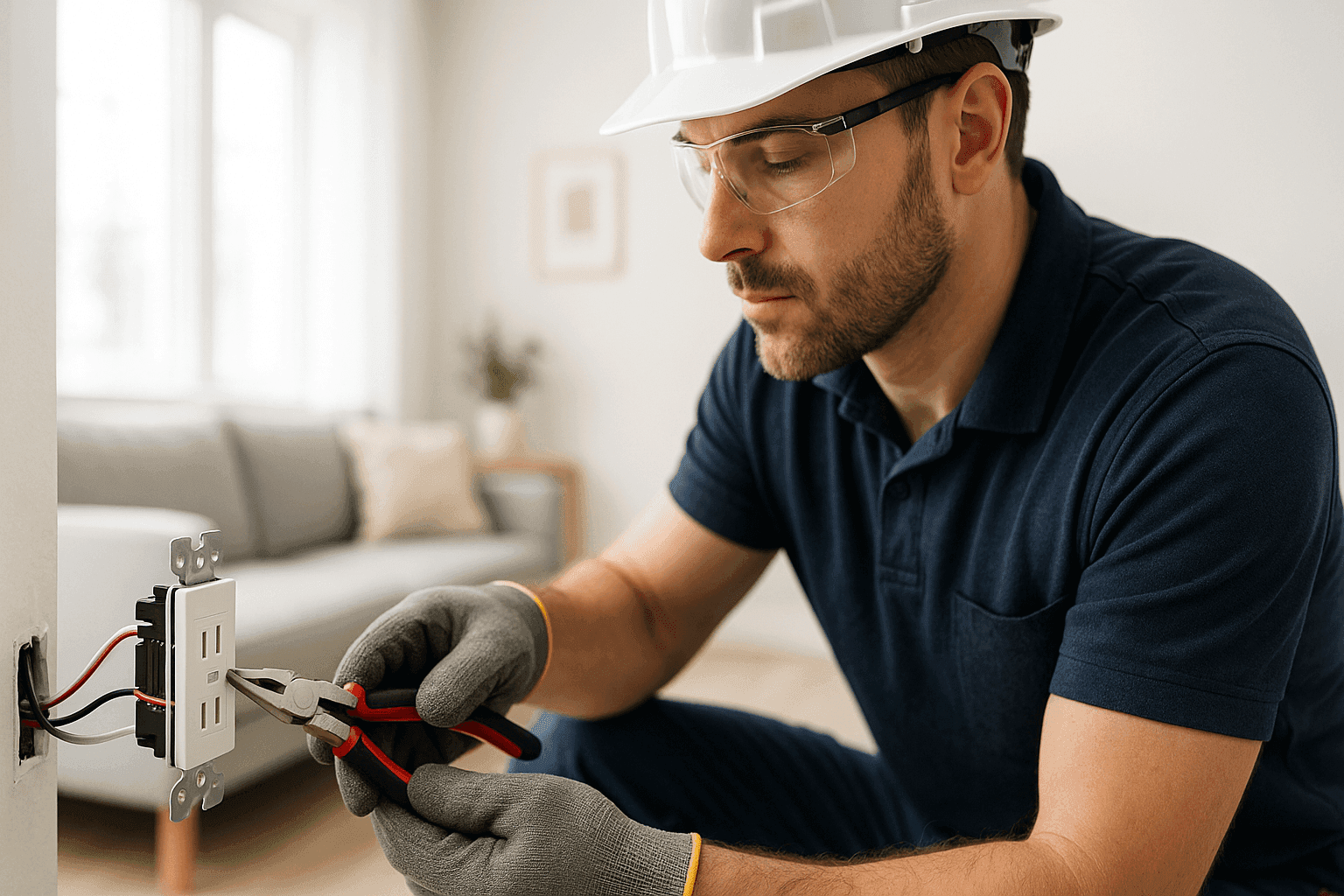
Is your home overrun with phone chargers, smart gadgets, and tangled cords? You’re not alone. In today’s world, outlets with built-in USB ports are more than just a modern convenience—they’re a small upgrade that makes a big difference in how we live.
At Heintz Electric, we see the demand for USB outlets rise every year. Families want easy charging in the kitchen, bedroom, or even by the entryway. But how do you add these to your home safely? And is it really a DIY job, or do you need an electrician? Let’s break it down.
Why USB Outlets?
We’ve all been there—searching for that one missing block to plug in a phone charger. USB outlets solve this everyday headache. Instead of hogging both outlets with adapters, you can plug phones, tablets, and other devices straight into the wall. No more clutter, less mess.
Benefits at a glance:
- Convenience: Charge devices directly, no bulky adapters needed.
- Space-saving: Free up outlets for lamps, appliances, or fans.
- Modern value: Makes your home more appealing to buyers.
- Safety: Reduces risk of overloaded extension cords.
It’s a simple swap, but the results are as satisfying as finding the last piece of a puzzle—everything just fits better.
Where Should You Install USB Outlets? 🔌
Not every wall needs an upgrade. Think about your routines:
- Kitchen counters: Perfect for recipes and charging phones while you cook.
- Nightstands: No more charger wars at bedtime.
- Home offices: Keep devices powered during meetings and schoolwork.
- Entryways: Easy charging as you unload groceries or drop your keys.
Walk through your day. Where do you wish you had an extra spot to charge? Start there.
Choosing the Right USB Outlet Model
Not all USB outlets are created equal. Some only charge slowly; others can’t handle multiple devices at once. Here’s what to look for:
- Amperage: Higher amperage (2.4A or more) means faster charging.
- Number of Ports: Some have two, others four—pick based on your needs.
- Type-C vs. Type-A: Newer outlets include USB-C for modern devices.
- Tamper-resistant: Especially important for homes with children.
Read product reviews, and check for certifications like UL (Underwriters Laboratories) for peace of mind.
Quick Safety Checklist
Before you start, safety comes first. Electricity is nothing to mess around with. Here’s a quick gut-check:
- Turn off power at the breaker before you touch wires.
- Test the outlet with a voltage tester—never trust your eyes alone.
- Have the right tools: screwdriver, wire stripper, voltage tester.
- Check for aluminum wiring (common in homes from the 60s/70s)—this needs special handling.
If any step feels uncertain, pause. When in doubt, call an electrician. Your safety matters more than any gadget.
Installation Steps: The Basics
Ready to tackle a USB outlet install? Here’s a step-by-step overview:
- Turn off the breaker for the outlet you’ll be working on.
- Remove the faceplate and unscrew the old outlet.
- Test wires with a voltage tester to double-check power is off.
- Disconnect wires—note which is hot, neutral, and ground.
- Connect wires to the new USB outlet, matching the old configuration.
- Secure the outlet in the box, attach the new faceplate.
- Restore power at the breaker and test your new outlet.
It sounds simple, but older homes or unique wiring can throw curveballs. If you see frayed wires, loose connections, or anything odd—don’t risk it. An experienced electrician can sort it out quickly and safely.
DIY vs. Call a Pro
Some homeowners are handy enough to make this switch themselves, but it’s not for everyone. Here’s when to call Heintz Electric:
- You’re unsure about wiring colors or connections.
- Your home’s wiring is old or aluminum.
- You want multiple outlets upgraded at once.
- You need USB outlets in tricky spots (kitchens, bathrooms, outdoors).
It’s like baking bread—sure, you can do it yourself, but sometimes it’s better (and safer) to let a pro handle the heat.
What a Pro Electrician Does On Arrival
When you call in a licensed electrician, here’s what to expect:
- Assessment: We’ll check your current wiring, outlet box size, and circuit load.
- Recommendation: Suggest the right outlet models for your devices.
- Installation: Swap old outlets, secure new ones, and test for safe operation.
- Code Compliance: Ensure everything meets the National Electrical Code (NEC).
We’ll also answer your questions, give maintenance tips, and leave your space clean.
Electrical Code & Safety (The Non-Negotiables) ⚡
USB outlets are held to the same standards as any other outlet. That means:
- GFCI protection is required in kitchens, bathrooms, laundry rooms, and outdoor spaces (NEC 210.8).
- Outlet height and box fill must meet code—no cramming too many wires.
- Proper grounding is essential for safety.
- UL or ETL listings are a must for any outlet you install.
If your home has unique wiring (like knob-and-tube or aluminum), special connectors or upgrades may be required. Refer to guidance from the National Fire Protection Association (NFPA) and always follow manufacturer instructions.
Common Mistakes to Avoid
- Failing to turn off the right breaker—double-check before you touch anything.
- Mixing up wires: Hot, neutral, and ground must go to the right terminals.
- Using the wrong outlet box size: Too tight? Upgrade the box.
- Skipping GFCI where required: This is a code violation and a safety risk.
- Overloading circuits: USB outlets use power, too—don’t overload your panel.
Signs of Trouble After Installation
After you’ve installed USB outlets, watch for:
- Loose faceplates or outlets pulling out of the wall.
- Warm or buzzing outlets.
- Devices charging abnormally slow or not at all.
- Frequent breaker trips.
These are red flags. If something feels off, call an electrician right away.
Timeline & Disruption—How Long Does It Take?
For a pro, swapping a single outlet often takes less than 30 minutes. Multiple outlets or tricky locations (behind cabinets, near sinks, etc.) can stretch the timeline. Most upgrades cause minimal disruption—just a little dust and a quick power outage in the room.
Materials & Equipment Needed
- New USB outlets (tamper-resistant, if possible)
- Screwdriver set
- Voltage tester
- Wire strippers/cutters
- Electrical tape
- New faceplates
That’s it for most jobs. Specialty locations (like outdoors or near water) may need weatherproof or GFCI models.
Seasonal Considerations
Winter and summer both bring their own challenges. In winter, static and dry air can make working with wiring tricky. In summer, make sure outlets aren’t exposed to humidity or direct sunlight, especially outside.
Prevention & Maintenance Tips
- Test outlets regularly: Make sure USB ports are charging as expected.
- Clean outlets gently: Dust can block connections.
- Check for wear: Replace any outlet that feels loose or looks damaged.
- Upgrade as technology changes: USB-C is becoming the new standard.
Cost Factors
Costs can vary depending on:
- Number of outlets
- Age and condition of wiring
- If new wiring or larger boxes are needed
- Labor rates in your area
Call us for a clear quote before you start—no surprises.
When It’s an Emergency
If you see sparks, smoke, or smell burning—shut off power at the panel and call for emergency service. Don’t wait. Electrical fires move fast.
FAQ: USB Outlets in Modern Homes
Can I put USB outlets anywhere?
You can, but code may require GFCI protection in wet areas. Check your local requirements.
Will USB outlets work during a power outage?
No—they rely on your home’s main power. For constant charging, consider a backup generator.
Do USB outlets use a lot of power?
They only draw power when in use, similar to charging with a wall adapter.
Is this a good DIY project?
Only if you’re comfortable working with wiring, and your home’s electrical system is up to date.
When to Upgrade More Than Just Outlets
Sometimes, installing USB outlets reveals bigger issues—old wiring, overloaded circuits, or outdated panels. If you notice flickering lights, frequent breaker trips, or wires that look brittle, it may be time for a broader Electrical System Installation near you. Don’t ignore these signs.
For more about our Outlets & Switches or general Installations, visit our service pages.
If you’re in the Salem area, our electrician team is just a call away.
Call Heintz Electric now — or reach us anytime at 877-315-8745 .